WAVE
RESEARCH COMPUTING · SANTA CLARA UNIVERSITY
Computing infrastructure for research that needs it.
WAVE provides high-performance computing resources for molecular dynamics, machine learning, and large-scale data analysis, alongside documentation and tutorials to help research groups get running quickly.
What WAVE provides
High-Performance Computing
Dedicated compute nodes for simulations, model training, and data-intensive research workloads.
Job Scheduling
Slurm-based scheduling allocates GPU, memory, and CPU resources across users and research groups.
Collaborative Storage
Shared project and dataset filesystems for research teams working within the same environment.
Documentation & Tutorials
Guides covering cluster fundamentals, job submission, and common research workflows.
PART OF WAVE
Imaginarium Lab
The Imaginarium Lab explores the intersection of technology, arts, and humanities through extended reality (VR, AR, MR), data visualization, digital art, and game design. The lab brings together students and faculty across disciplines for collaborative, interdisciplinary work.
Visit the Imaginarium Lab
HPC Center News
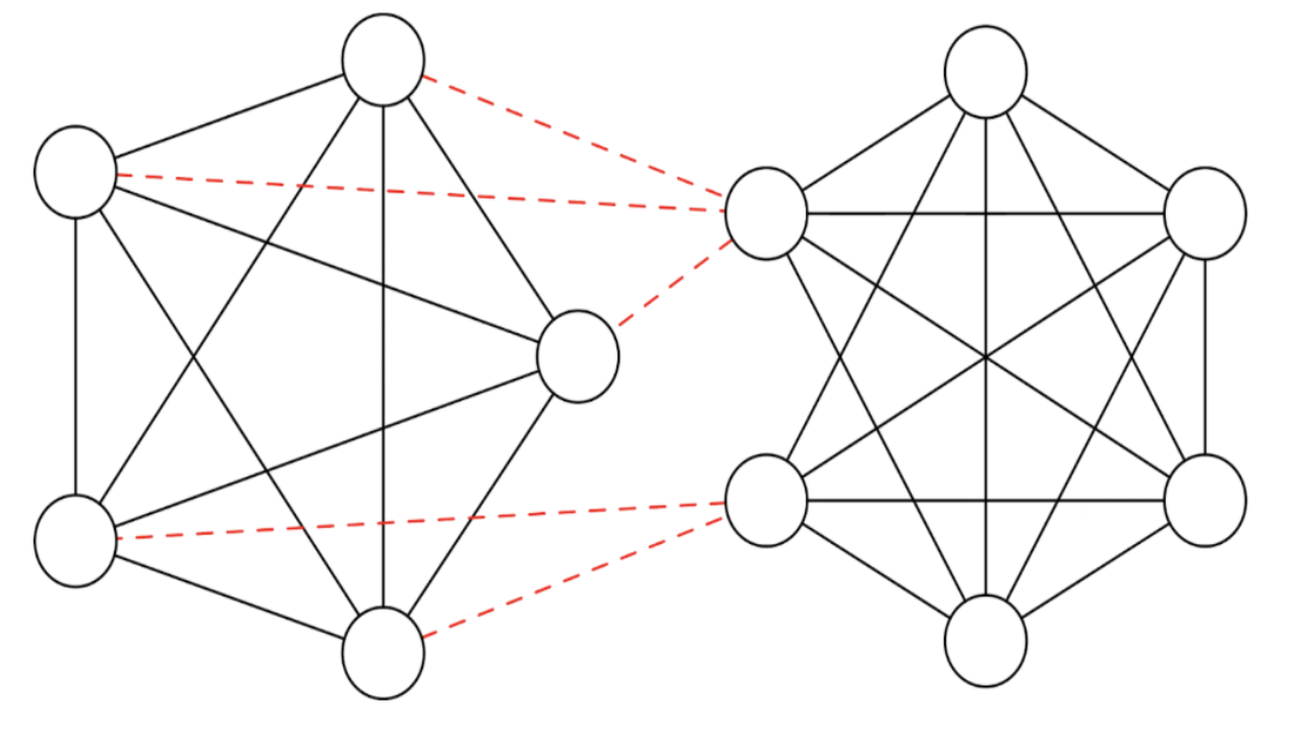
Computational Breakthroughs in Graph Theory
Simon MacLean uses WAVE's high-memory nodes to extend computational verification of Stanley's conjecture from 29 nodes to 33.
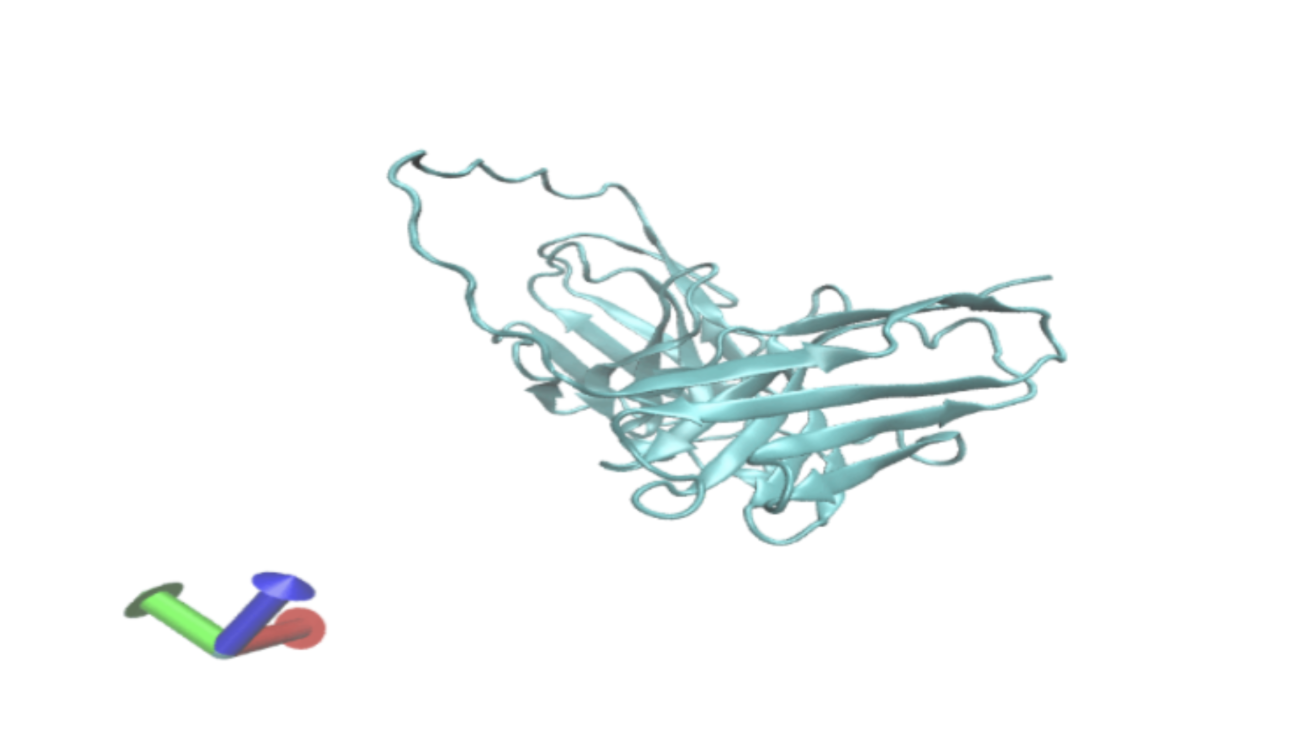
Cracking the Protein AI “Black Box”
Neel Mukavilli uses WAVE to study how models like Protein MPNN make decisions, working toward controllable protein design for biotechnology and medicine.
WAVE HPC Center New Website Launch
The new site highlights the center’s computational resources, research programs, and opportunities for students and faculty to engage in data-driven research.
Frequently asked questions
Common questions from new WAVE users. Further questions can be found in FAQ under "Support" or contact support.
How do I get an account?
Submit an account request from the Getting Started section. Most requests are provisioned within a few business days.
Can I connect directly to a compute node?
Compute nodes are accessed by submitting a Slurm job, either interactive or batch. Login nodes are for setup and configuration only, and are not intended for compute-intensive or long-running tasks.
Do compute nodes have internet access?
Yes. For large or frequently reused datasets, downloading ahead of time from a login node is still recommended, to avoid tying up compute allocation on network transfers.
Where should I store my data?
/WAVE/projects is backed up daily and suited for active work. /WAVE/datasets is not backed up, and is intended for large external datasets that can be re-downloaded if needed.
How do I transfer files to and from the HPC?
Use scp, rsync, or sftp from the command line, or a graphical client such as WinSCP, Cyberduck, FileZilla, or muCommander.
Need help?
Create a ticket
Submit a support ticket for account issues, job failures, or technical problems.
Create a ticketGuides & tutorials
Step-by-step references for Slurm, file transfer, and common ML workflows.
Browse tutorials